Getting started · 08

Making a plan for a friend

When a friend asks how you set yours up, you can hand them the structure of one of your protocols. They open a link, create an account, and land in the builder with the plan loaded as their own draft. From there it is theirs: you do not see what they do with it.

4 min read · EN ES DE FR PT IT NL PL ZH
CC BY-NC-SA 4.0

What goes into the plan

The name, the goal, the length, each compound with its dose and schedule, and what to track. Never your notes, your dates, your log, your vials, your reminders or your photos.

A plan is a starting point from you, not from us. We did not write or check it, and it is not medical advice. Say so when you talk to your friend; the page they open says it too.

Making one

Open the protocol on Protocols and choose Make this a plan for a friend. A draft is enough, as long as it has at least one compound.
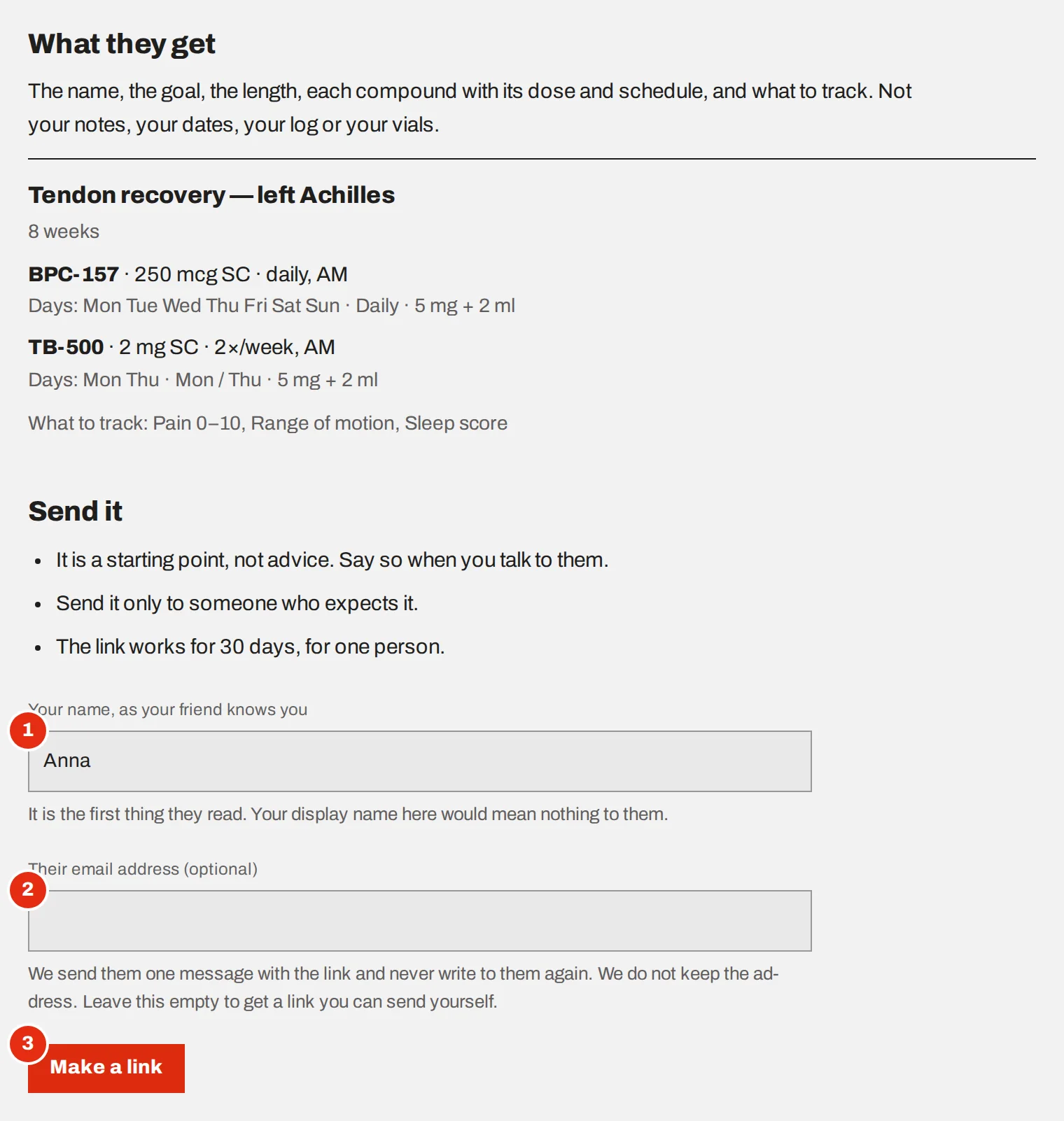
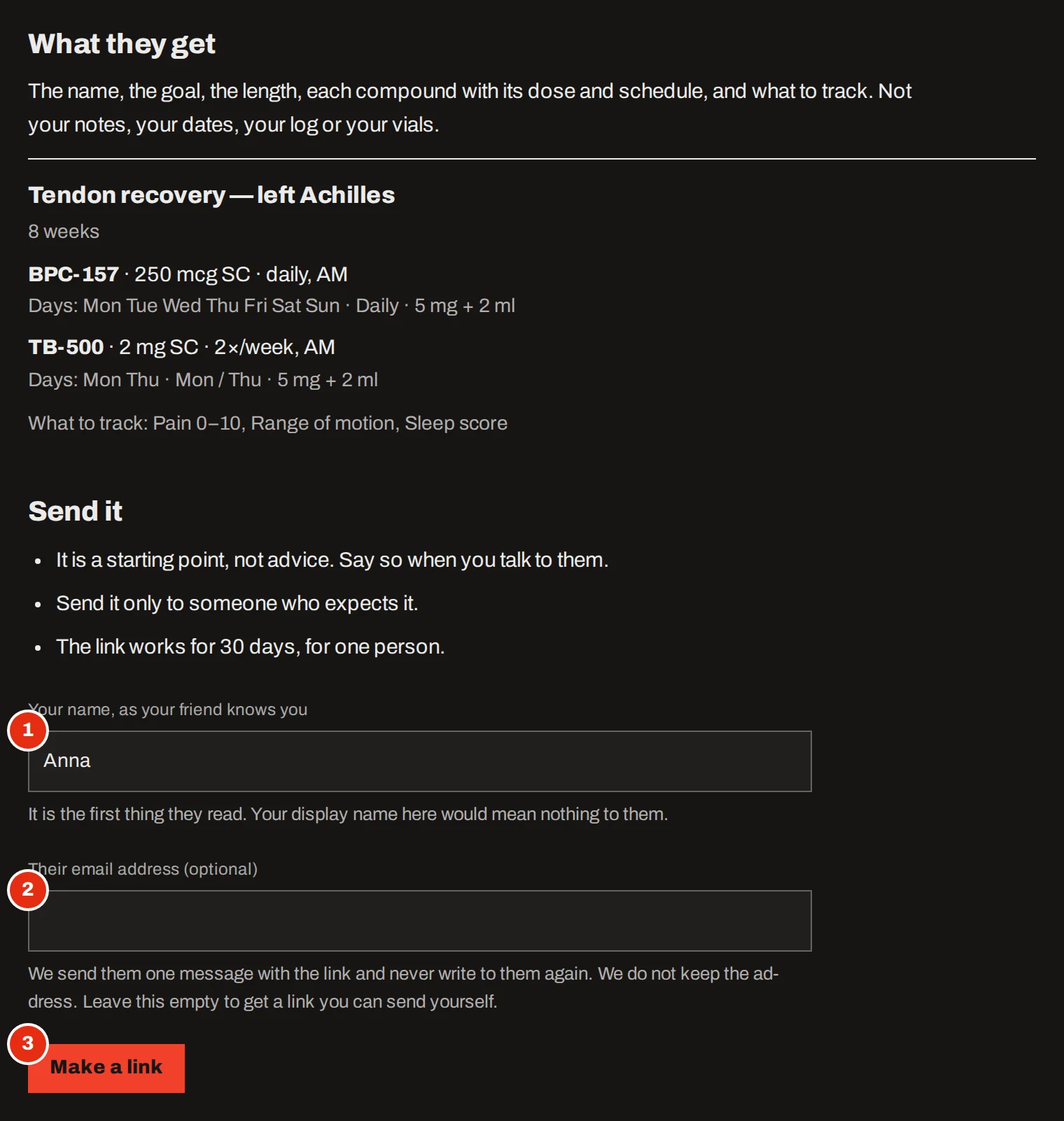
The “A plan for a friend” page: a summary of what the friend gets, then a form with the sender’s name, an optional email address and the “Make a link” button.The “A plan for a friend” page: a summary of what the friend gets, then a form with the sender’s name, an optional email address and the “Make a link” button.
The page shows exactly what your friend will get.
  1. Type the name your friend knows you by

    It is the first thing they read. Your display name on the site would mean nothing to them.

  2. Decide how it reaches them

    Leave the email field empty to get a link you send yourself. Or enter their address, and we send them one plain message with the link. That message says nothing about what is in the plan.

  3. Make the link

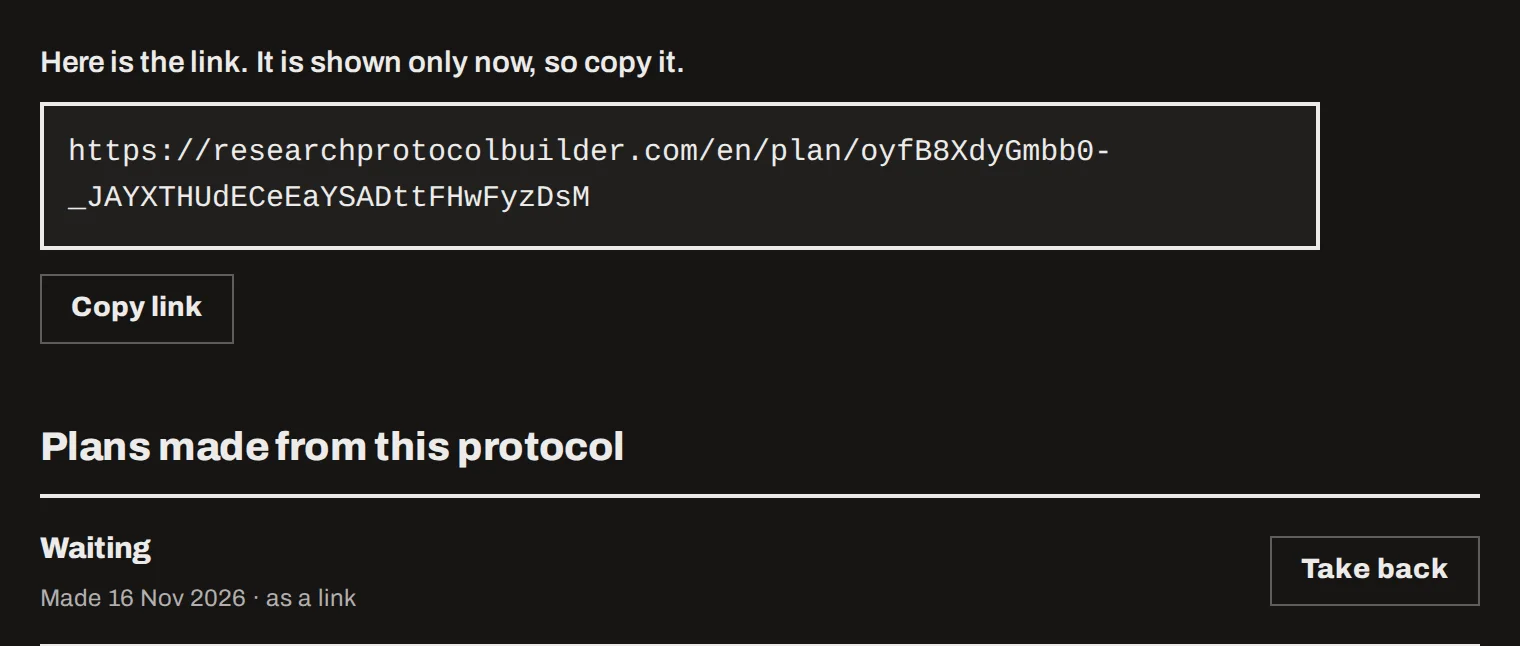
    The link is shown once, so copy it then. It works for 30 days, for one person.
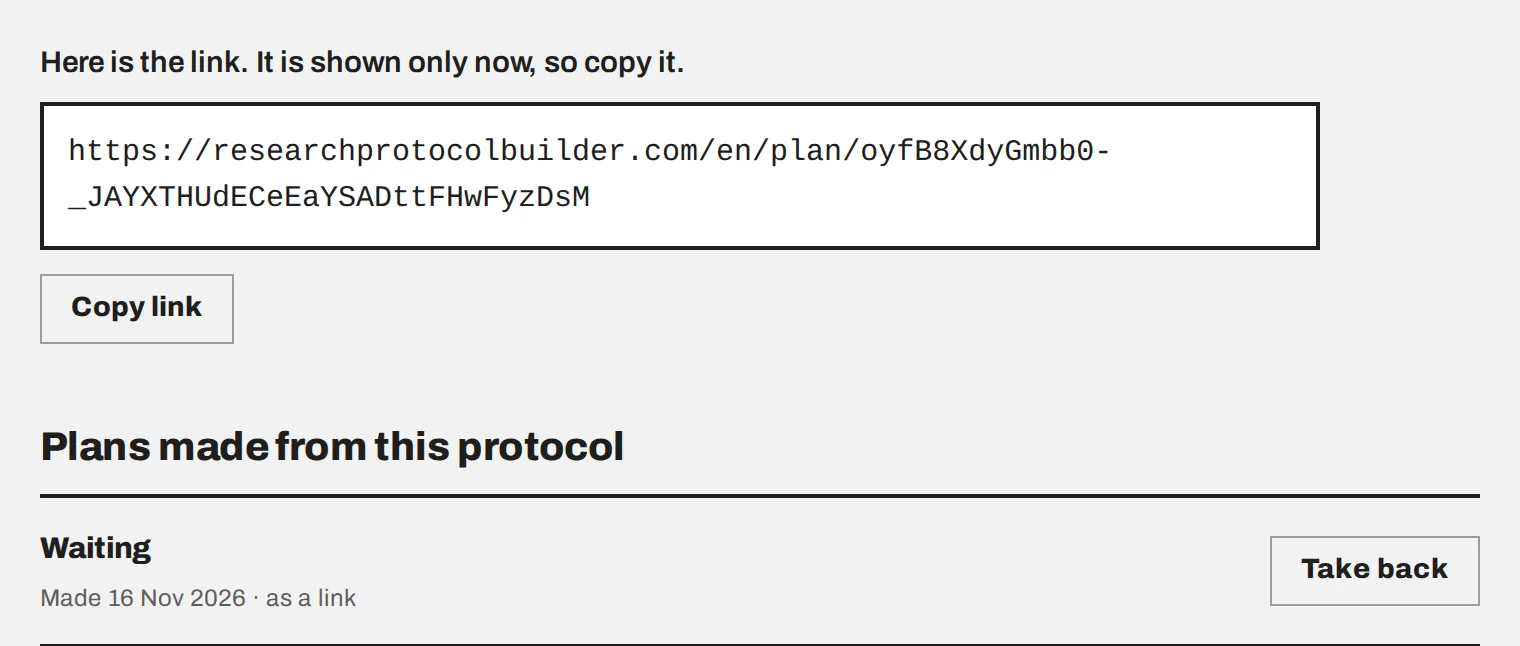
The finished link with a “Copy link” button, and below it the list of plans made from this protocol with one plan waiting and a “Take back” button.The finished link with a “Copy link” button, and below it the list of plans made from this protocol with one plan waiting and a “Take back” button.
Plans made from a protocol are listed under it.

What your friend sees

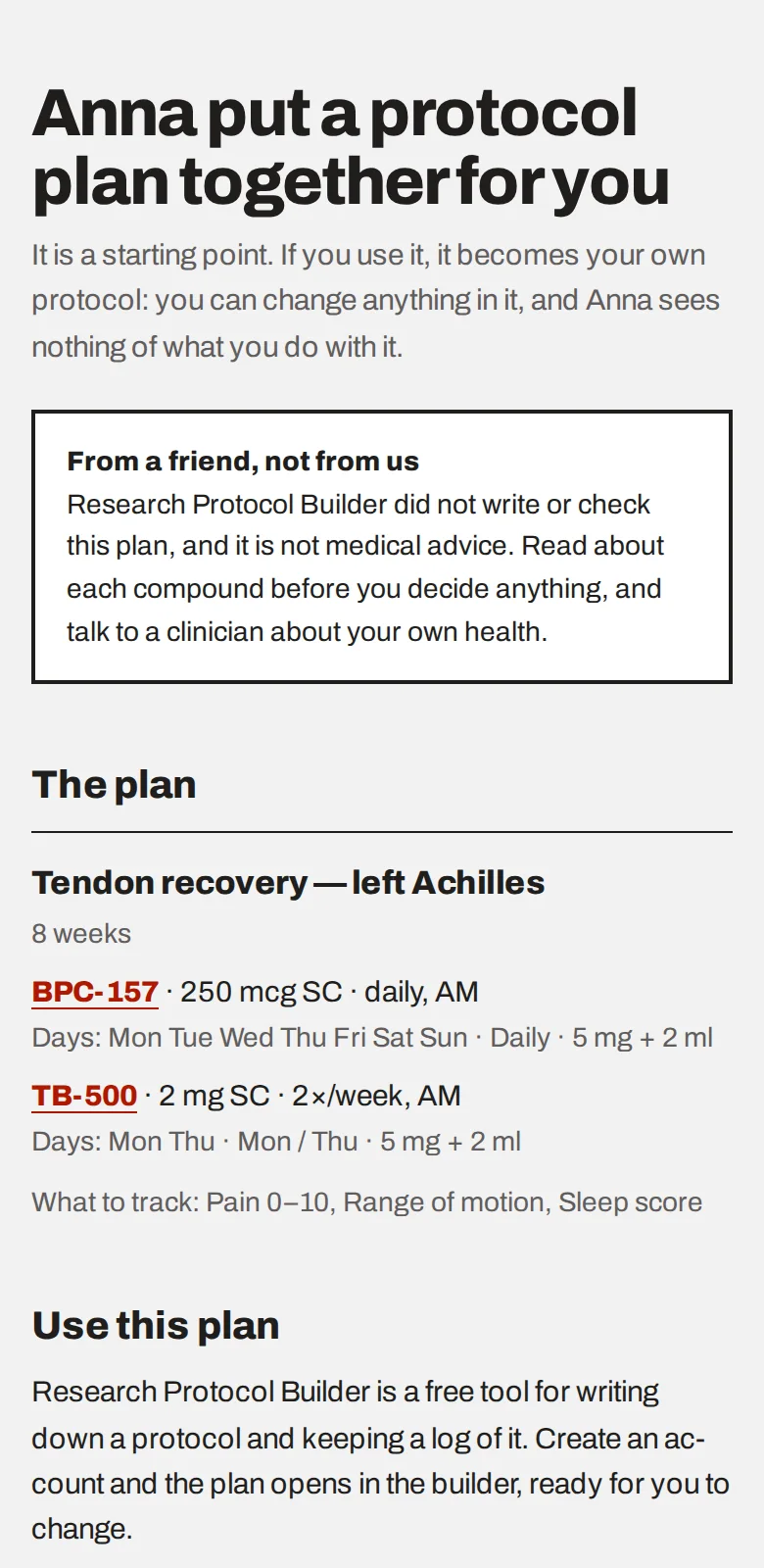
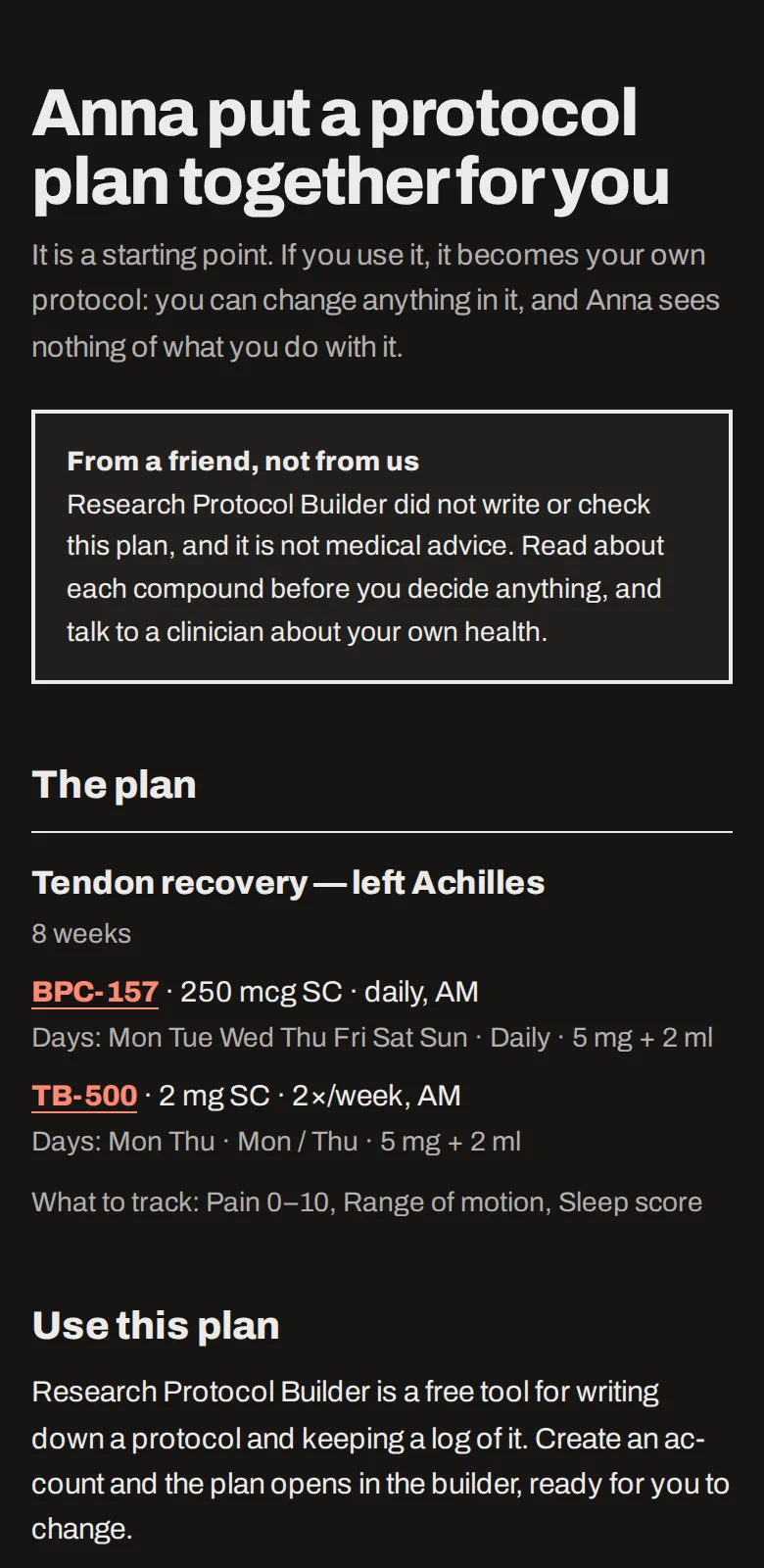
The page a friend opens on a phone: who the plan is from, a notice that it is from a friend and not medical advice, the plan itself, and a button to create a free account.The page a friend opens on a phone: who the plan is from, a notice that it is from a friend and not medical advice, the plan itself, and a button to create a free account.
The page your friend opens.

They see who it is from, the notice that it is not advice, and the plan. Create a free account takes them through registration and straight into the builder with everything filled in. They can change any of it before saving, and saving asks for their own consent to store health data, as any first protocol does.


What you learn afterwards

Two things only: that the link was opened, and that the plan was used. Not who used it and not what became of it. Your accounts are not linked.

While a plan is still waiting you can Take back the link. A used, expired or taken-back plan is deleted a week later.


If you send it by email

We write to your friend once and never again. We do not keep their address, only a scrambled form of it that lets us honour “never send me a message like this” if they choose that. If they have, you are told to pass the link on yourself.

You can send 5 plan emails a day and have 20 plans waiting at a time.


With a private vault

Your browser builds the plan, because only it can read the protocol. Making a plan copies that structure out of your vault: we store it encrypted until the link stops working, and we are able to read it. The page tells you so before you send.


Common mistakes

Sending it to someone who did not ask. Send a plan only to a person who expects it. They can report a plan they did not want.
Expecting to follow their progress. You will not see their protocol or their log. If you want to compare notes, talk to each other.
A web address or a source in the protocol. A protocol that names a product, a shop or a link cannot be sent. Take it out of the protocol first.
Losing the link. It is shown once. If you did not copy it, take the plan back and make a new one.